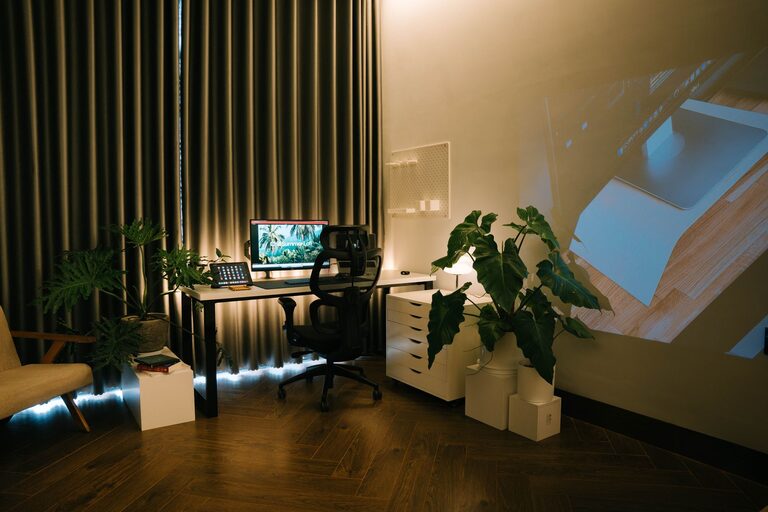
Creating a relaxing home workspace is essential for maintaining productivity and well-being, especially as many people continue to work remotely. A calm and organized environment can help reduce stress, improve focus, and make your workday more enjoyable. In this guide, we’ll walk you through practical tips and ideas to design a workspace that feels both comfortable and inspiring.
Why a Relaxing Workspace Matters
Working from home comes with its unique challenges, such as distractions and blurred boundaries between professional and personal life. A dedicated, peaceful workspace helps:
– Minimize distractions
– Improve concentration
– Reduce feelings of burnout
– Encourage a healthy work routine
By thoughtfully setting up your home office, you create an environment that supports your mental and physical health.
Choosing the Right Location
The first step is selecting the best spot for your workspace.
Consider Natural Light
Natural light has positive effects on mood and energy levels. Choose a location near a window if possible. Position your desk so the light shines from the side, reducing glare on your screen.
Minimize Noise and Distractions
If you live in a busy household, select a quieter corner or use noise-canceling headphones. Avoid areas near the TV or high-traffic zones.
Separate Work from Rest
Try to keep your workspace separate from where you relax or sleep. This separation helps your brain associate the area with productivity.
Comfortable and Functional Furniture
Investing in ergonomic furniture will keep you comfortable and prevent strain.
Desk
Choose a desk that fits your space and work needs. It should be large enough for your computer, documents, and any tools you use regularly.
Chair
An adjustable chair with good lumbar support is crucial. Sitting comfortably helps you focus longer without discomfort.
Additional Furniture
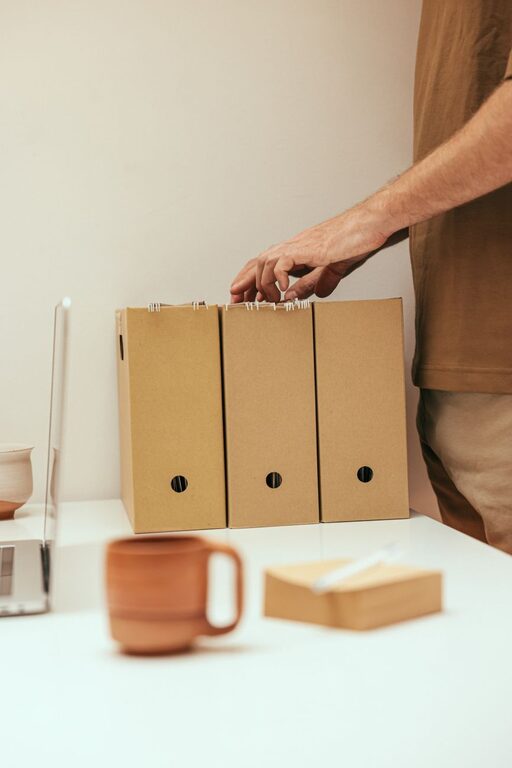
Consider shelves, filing cabinets, or storage boxes to keep things organized and within reach.
Declutter and Organize
A clutter-free space promotes a clear mind.
Keep Essentials Visible
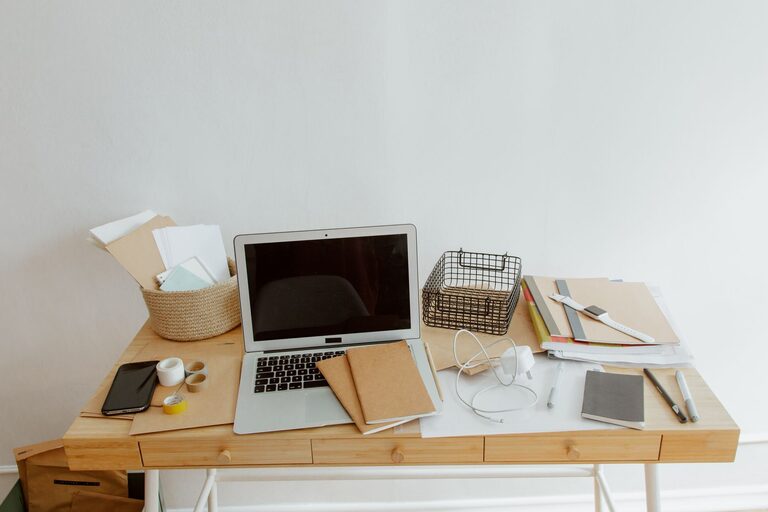
Only keep items you need daily on your desk. Use organizers or trays for pens, notebooks, and other tools.
Regular Clean-Up
Set a weekly reminder to tidy your workspace. Putting away unnecessary items reduces distractions.
Cable Management
Use cable clips or sleeves to keep wires neat and avoid a tangled mess.
Calming Colors and Decor
Colors can influence your mood and productivity.
Choose Soothing Colors
Soft blues, greens, or neutrals create a relaxing atmosphere. Avoid overly bright or dark colors that can be distracting or draining.
Personal Touches
Add plants, artwork, or photos that inspire you. Plants, in particular, improve air quality and add a natural vibe.
Lighting
In addition to natural light, use warm desk lamps or adjustable lighting to reduce eye strain.
Incorporate Relaxation Elements
To make your workspace truly calming, add elements that encourage breaks and mindfulness.
Aromatherapy
A subtle essential oil diffuser with scents like lavender or eucalyptus can create a soothing environment.
Break Area
If space allows, include a comfortable chair or cushion where you can take short breaks.
Sound
Soft background music or nature sounds can boost focus and reduce stress.
Maintain a Routine
A relaxing workspace supports a healthy routine.
– Start your day by organizing your desk.
– Take regular breaks to stretch or walk.
– End your workday by clearing your space to signal a transition.
Technology Tips
Managing technology efficiently contributes to a peaceful workspace.
– Use a quality headset to block noise during calls.
– Keep your computer desktop organized.
– Use apps that encourage focus, like timers or website blockers.
Final Thoughts
Creating a relaxing home workspace is an investment in your well-being and productivity. By carefully choosing your location, investing in comfortable furniture, minimizing clutter, and adding personal touches, you can design a space that makes working from home a positive experience. Remember, the key is balancing functionality with comfort to support both your professional and personal needs.
About the Author